Launch target · Windows
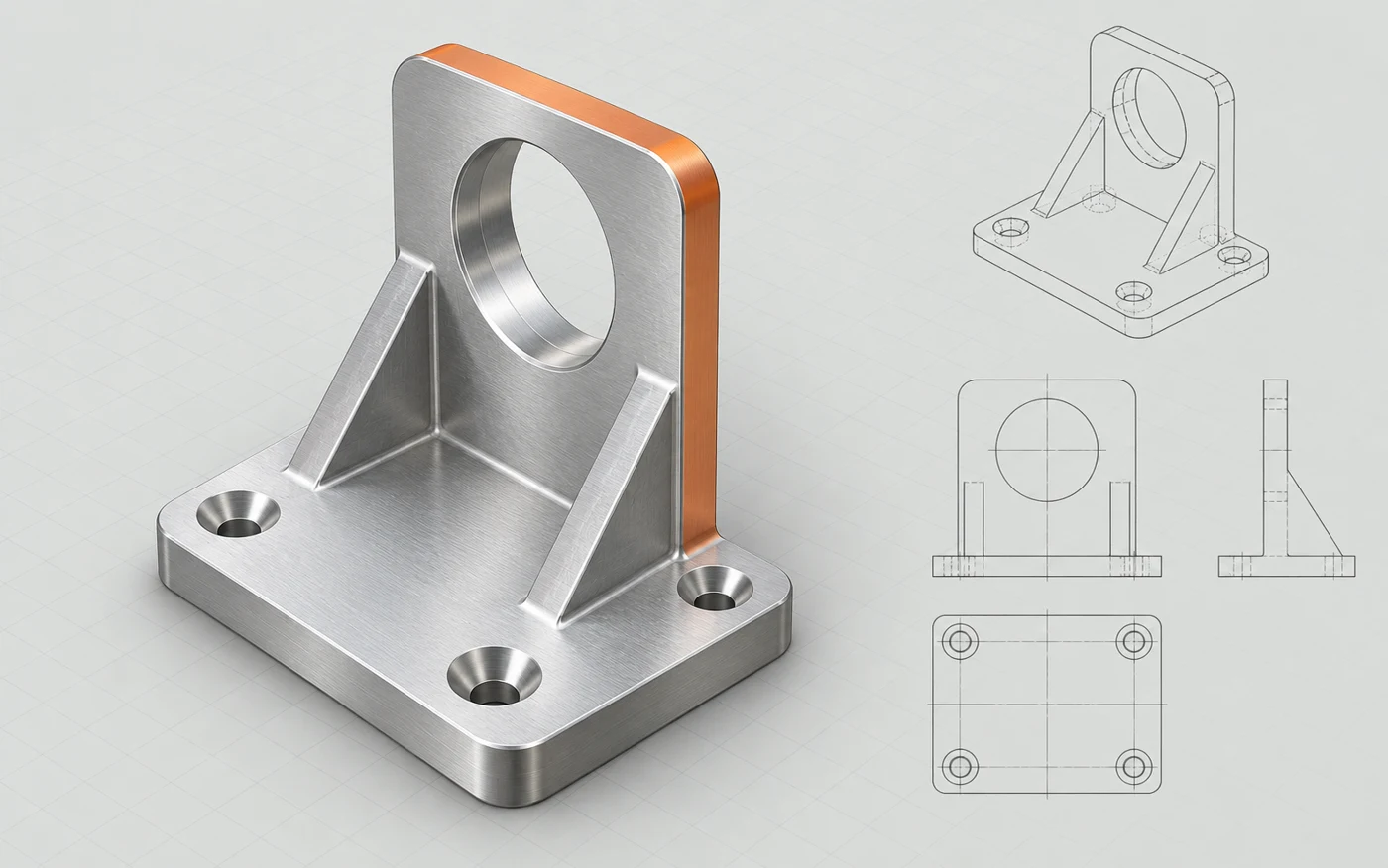
SOLIDWORKS
Mechanical parts, assemblies and drawings.
Explore the workflowBuilt for engineering and product design
MadeVia is focused on the work between your ideas and the finished design. Structura AI is the MadeVia desktop app: one assistant for giving CAD work a clear, reviewable brief.
Free beta · Bring your own AI key
Describe the task, review the proposed steps and approve the actions in your design environment. Structura brings controlled computer use and reviewed connectors into the same desktop workflow.
It is built around small, bounded changes and fresh checks afterwards. The engineer keeps the judgement, and the team decides what is ready to save or release.
The beta is free with your own AI key and Happy Webs account. Published Mac and Windows packages are listed on the download page; availability is checked for each platform.
The first applications
These are launch targets. We are shaping and qualifying specific workflows for the beta. Your existing CAD licence and any required vendor account remain separate.
Launch target · Windows
Mechanical parts, assemblies and drawings.
Explore the workflowLaunch target · Windows
Window, door and façade engineering.
Explore the workflowLaunch target · Browser
Cloud CAD and product design.
Explore the workflowChoose a starting point
For feature edits, assembly checks or export preparation, explore the SOLIDWORKS and Onshape launch workflows. Start with a named part and configuration, and specify the geometry to preserve. The CAD professional guide explains the review sequence.
Explore Logikal position and project workflows when your brief concerns dimensions, orientation or drawing preparation. Identify the project, position and supplier system. Manufacturer data and the application's checks remain authoritative.
The structural engineer guide explains professional review boundaries; it does not establish support for a structural analysis package. For account access, provider costs and revocable desktop sessions, use the engineering practice guide.
The beta suits small tasks in a copy of work you can inspect. A launch target still needs qualification for your application version and task. Check platform availability before choosing a workflow.
More CAD, one workflow at a time
Tell us about the CAD application you use and the work you want help with.